Your whole place finally works as one team.
Liquid POS takes the order at the table, sends it straight to the kitchen and gets you paid, all on one system for one monthly price.

No more finger-pointing between your till company and your bank.
The till, the card terminal and the card payments all come from us, so there is one company to deal with and every device in the place sees the same order.
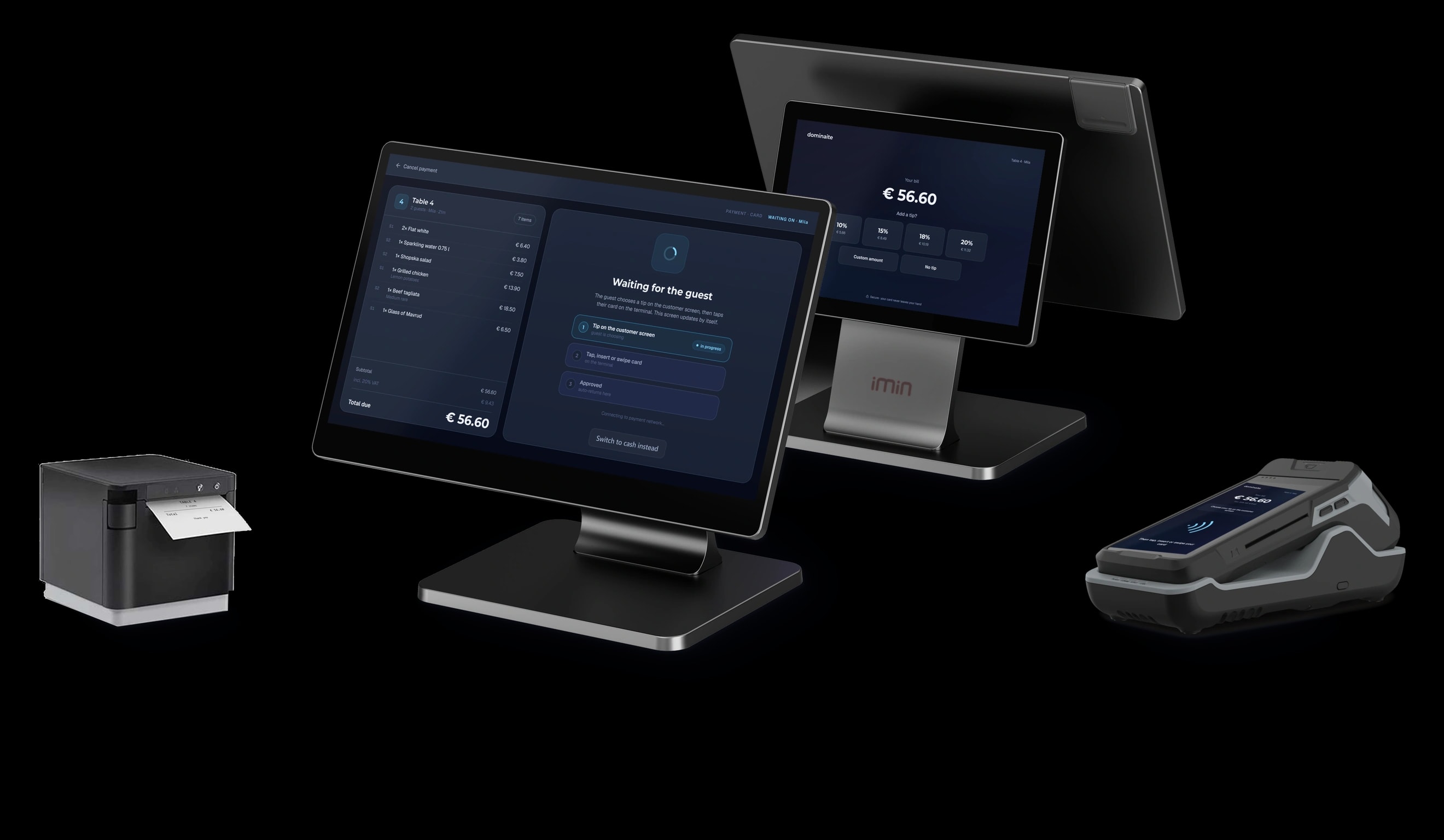
- The receipt printer
- The till
- The customer screen
- The card terminal
From the first table to the day close.
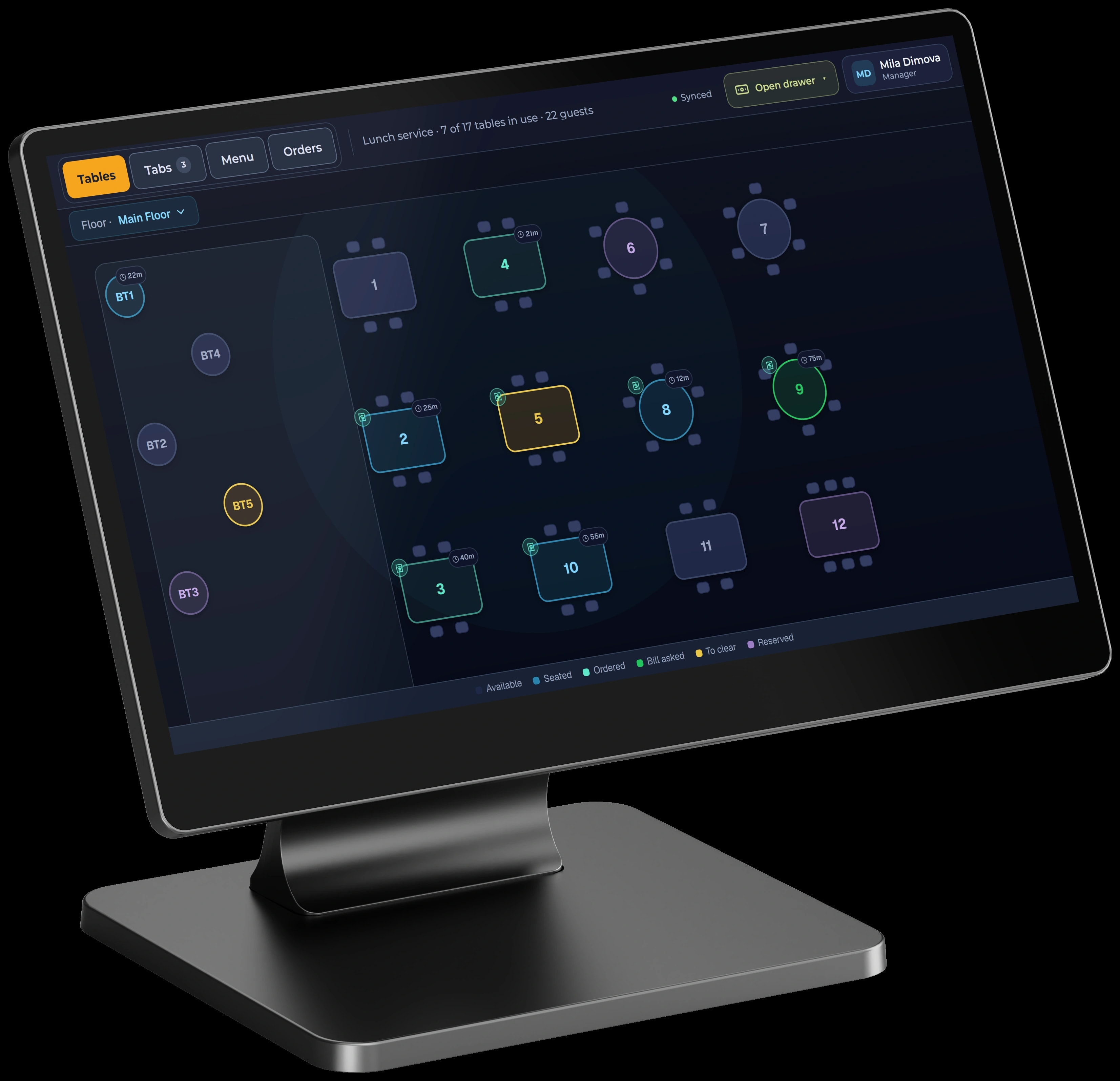
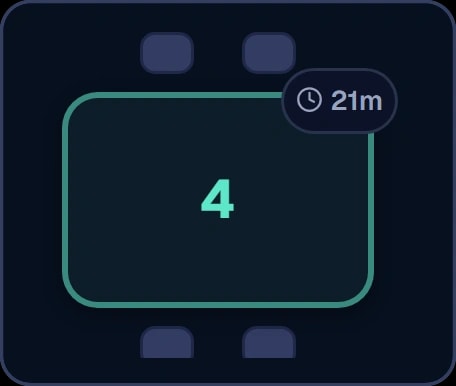
Step 1 of 8 Spot the waiting table before anyone has to wave.
See who is seated, who has ordered and who wants the bill, each with a timer running.
Comes with Full House.
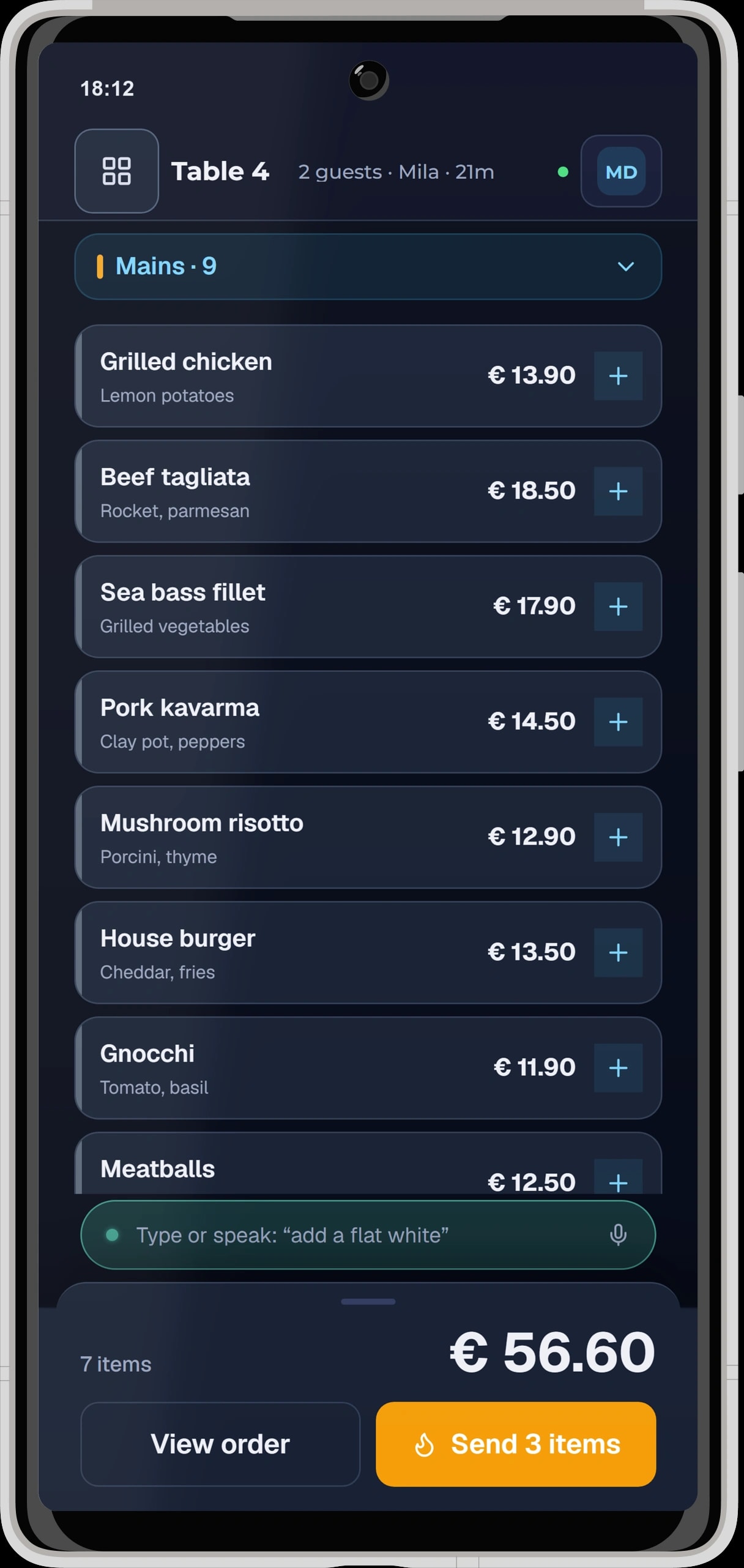
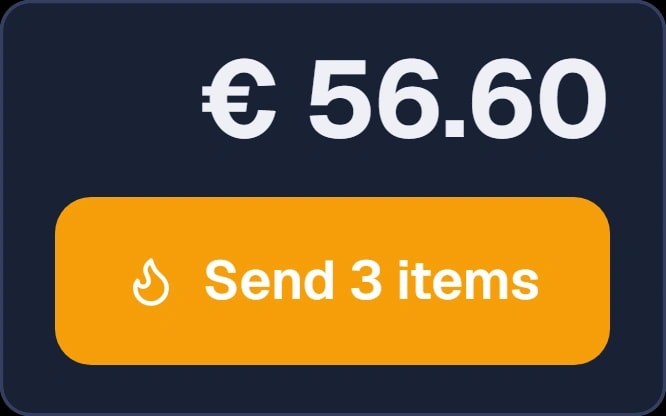
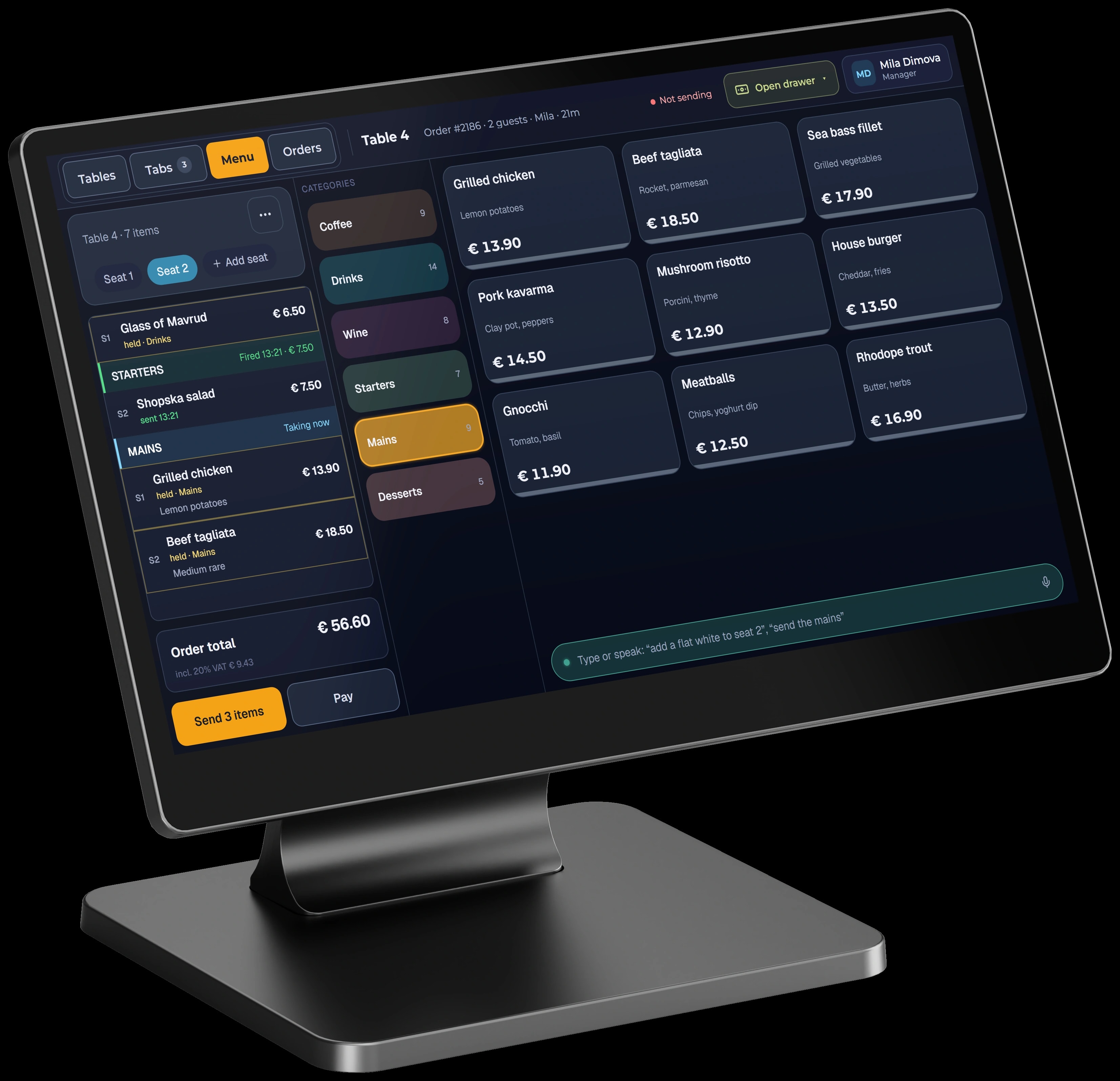
Step 2 of 8 Orders go in at the table, not at the till.
Your waiter sends it from a phone, so nobody walks back to the till or queues to key it in.
Comes with Full House.
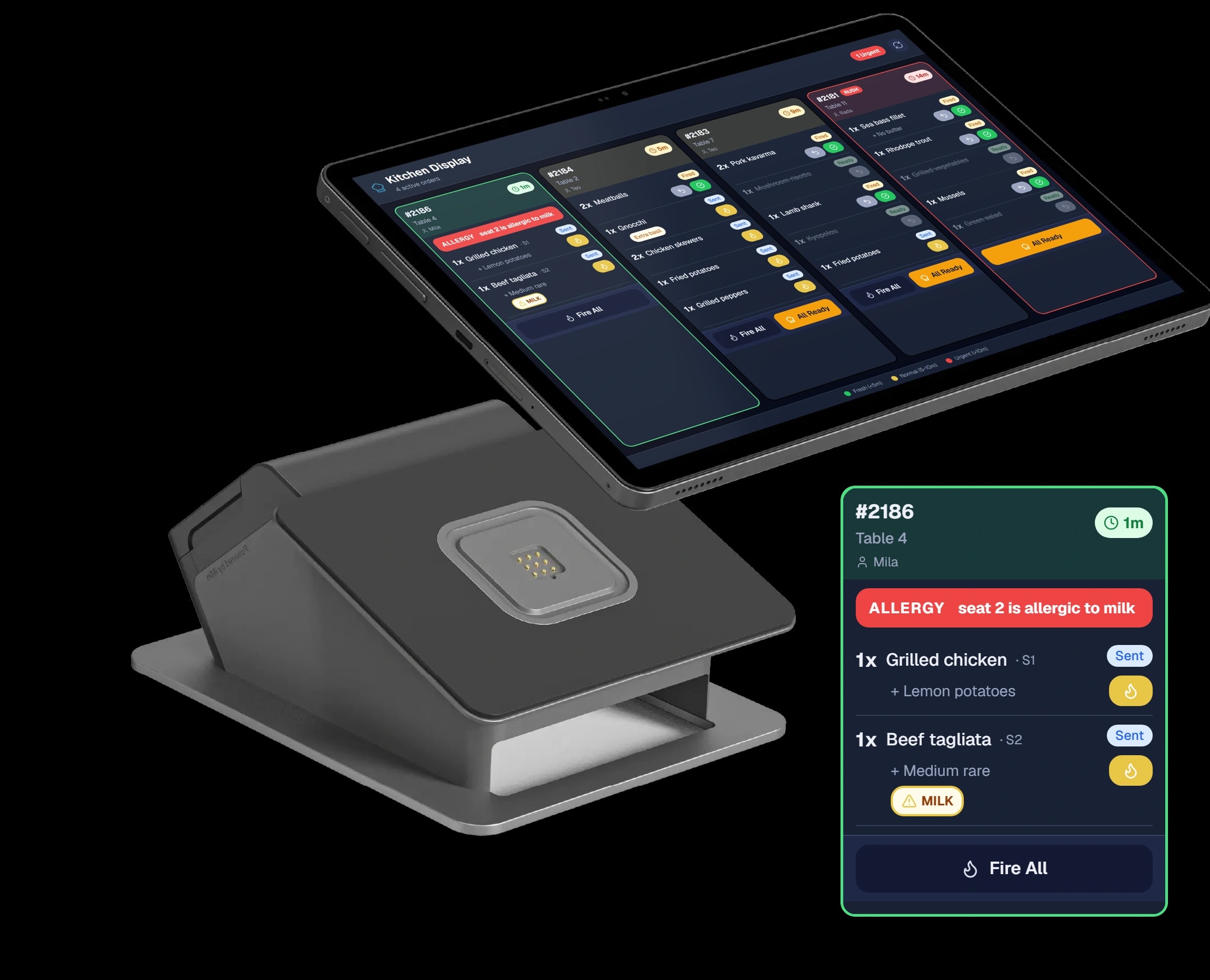
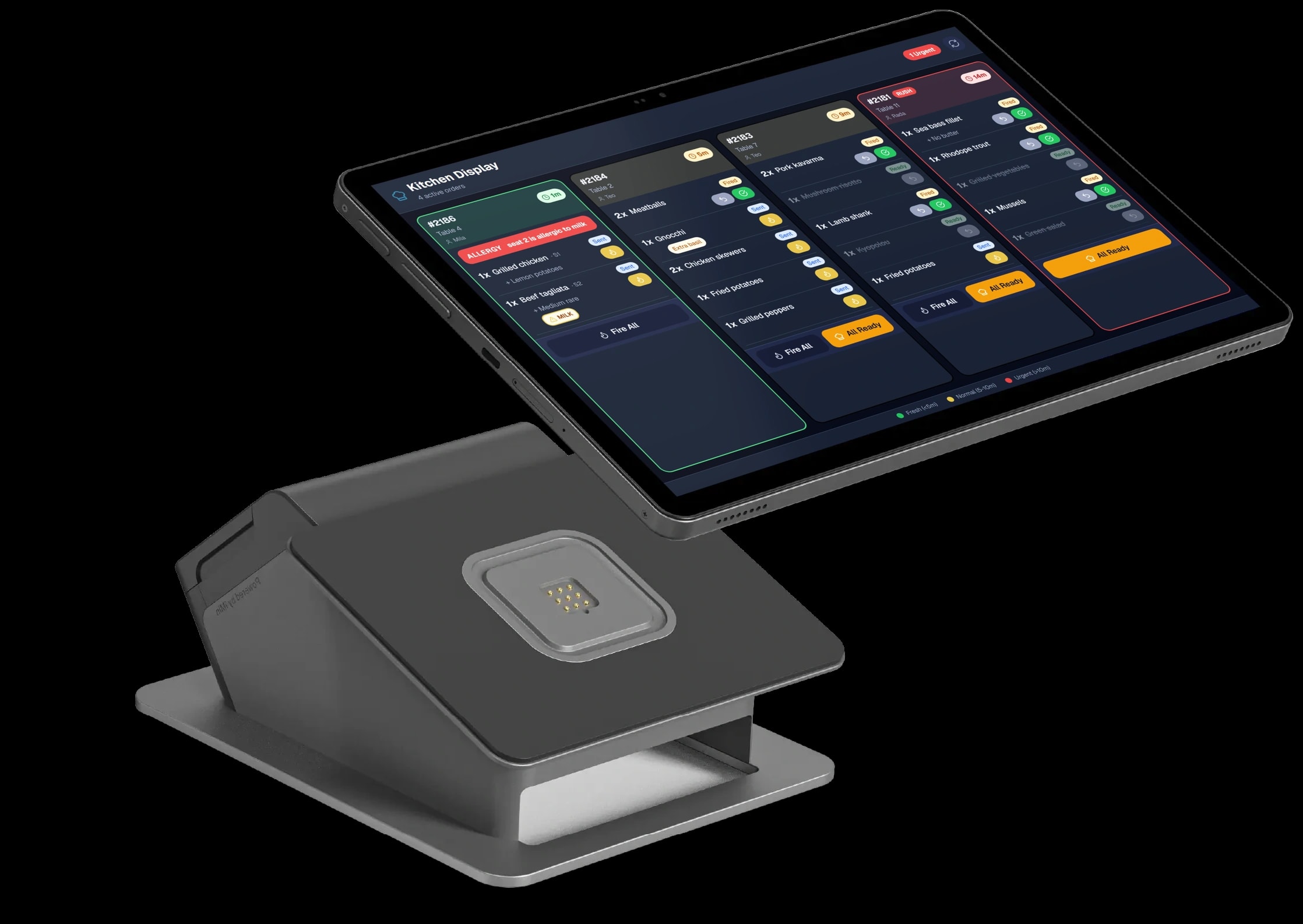
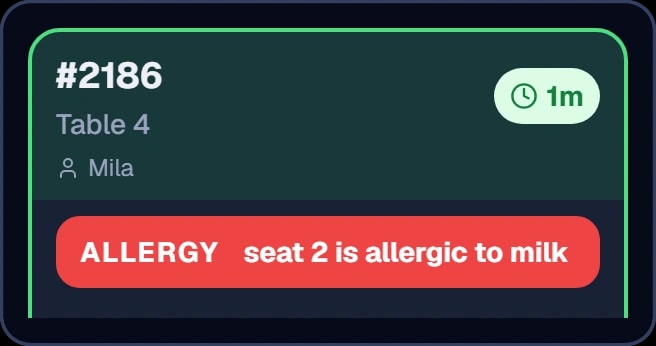
Step 3 of 8 Orders reach the kitchen without anyone shouting.
Every order sits on one screen with its own timer, and any allergy is marked in red.
Comes with Full House.
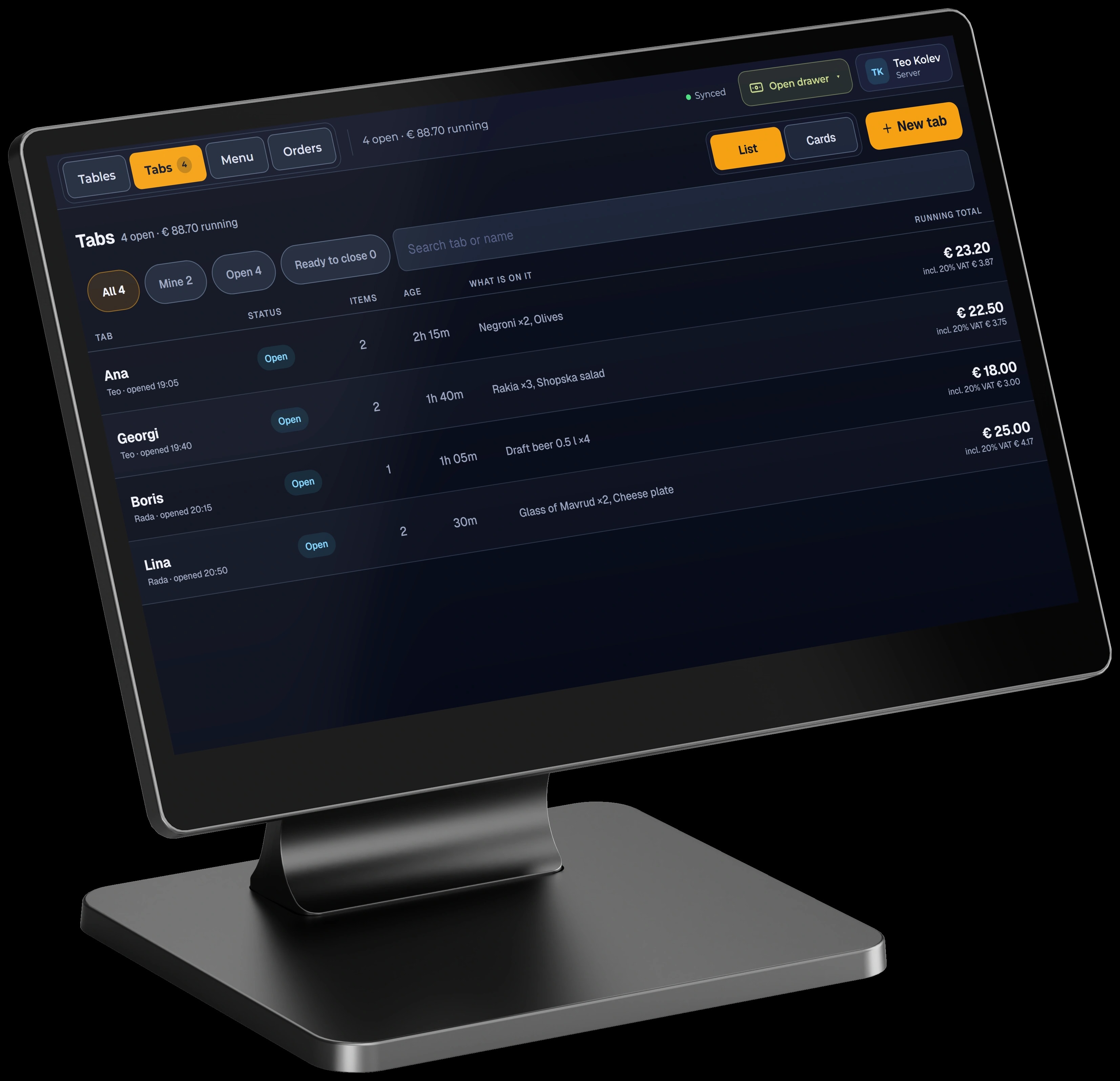
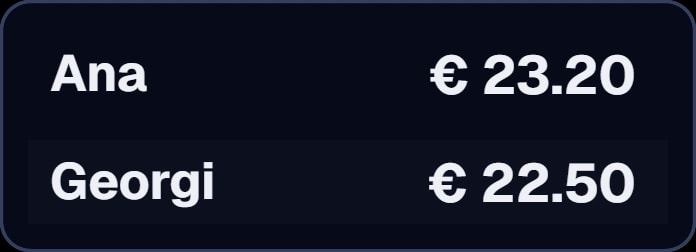
Step 4 of 8 Open a tab by name and keep the rounds coming.
Add each round as it goes out and close the tab when the guest is ready to pay.
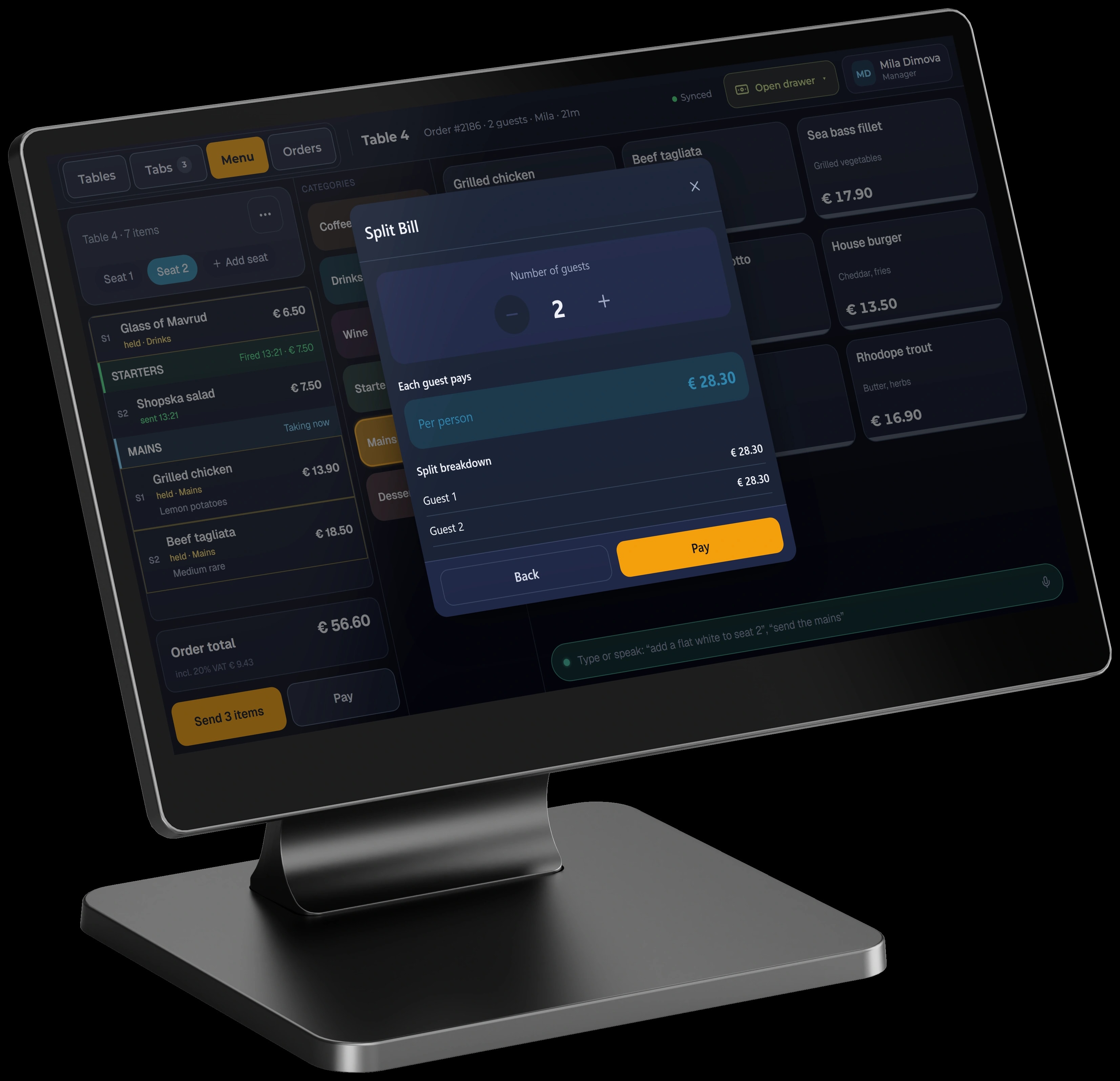
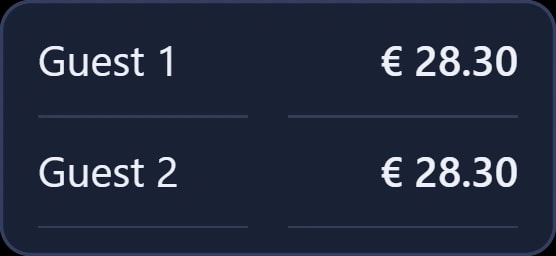
Step 5 of 8 Split the bill without the maths at the table.
Divide it evenly or by item, and each guest pays their own share.
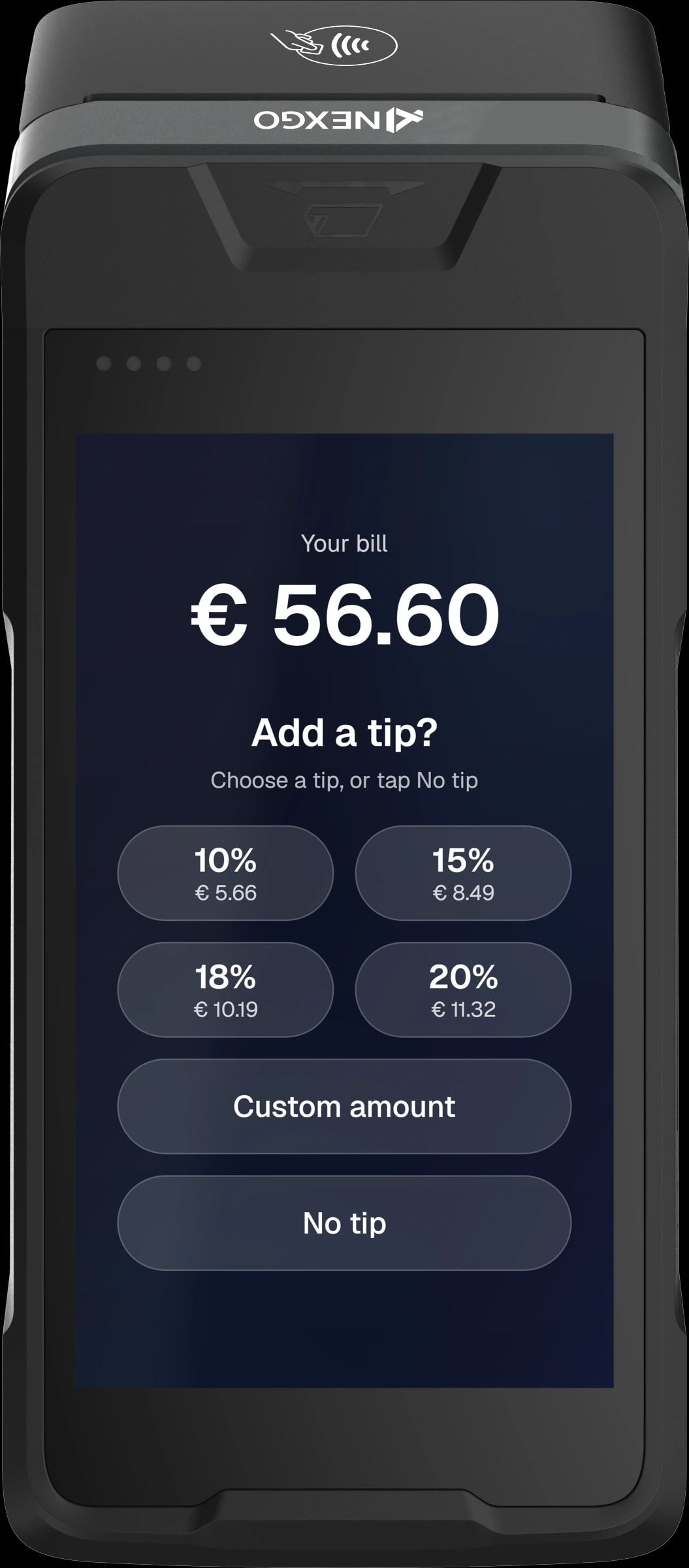
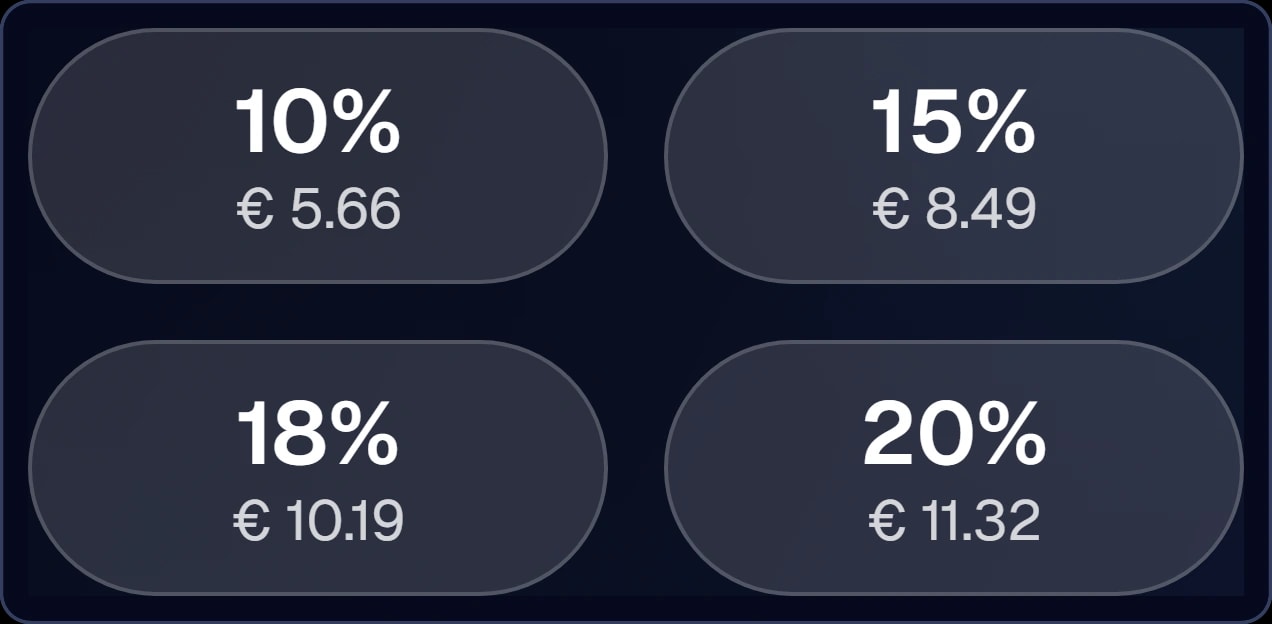
Step 6 of 8 The guest picks the tip, so nobody has to ask.
The card terminal brings the bill to the table, and the guest chooses the tip while paying.
Step 7 of 8 The internet drops and your orders keep moving.
Orders, tables and the kitchen keep going, and the till catches up once you are back online.

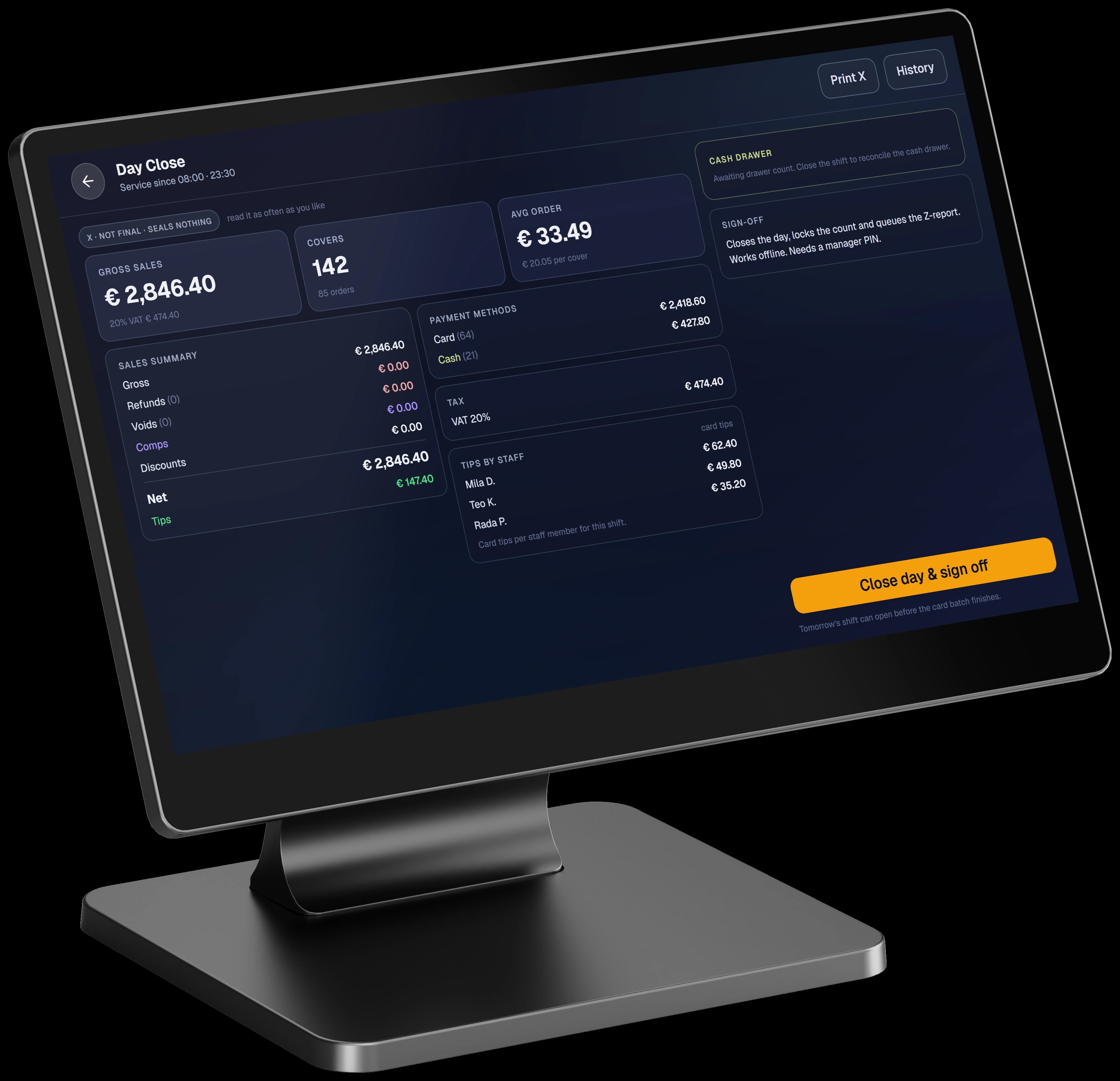
Step 8 of 8 Close the day without the calculator.
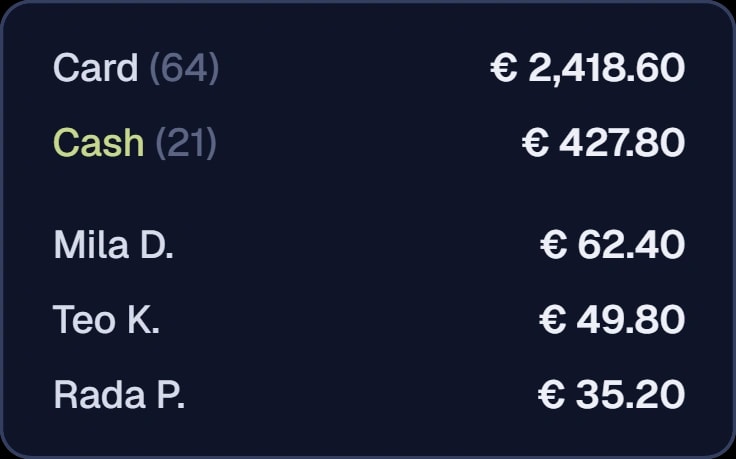
Card, cash, VAT and each server's tips are already added up when you cash up.
The card your guest pays with is their loyalty card.
Your guest joins on the screen right after paying, with no app to download and no phone number or email to hand over.
Comes with Full House.

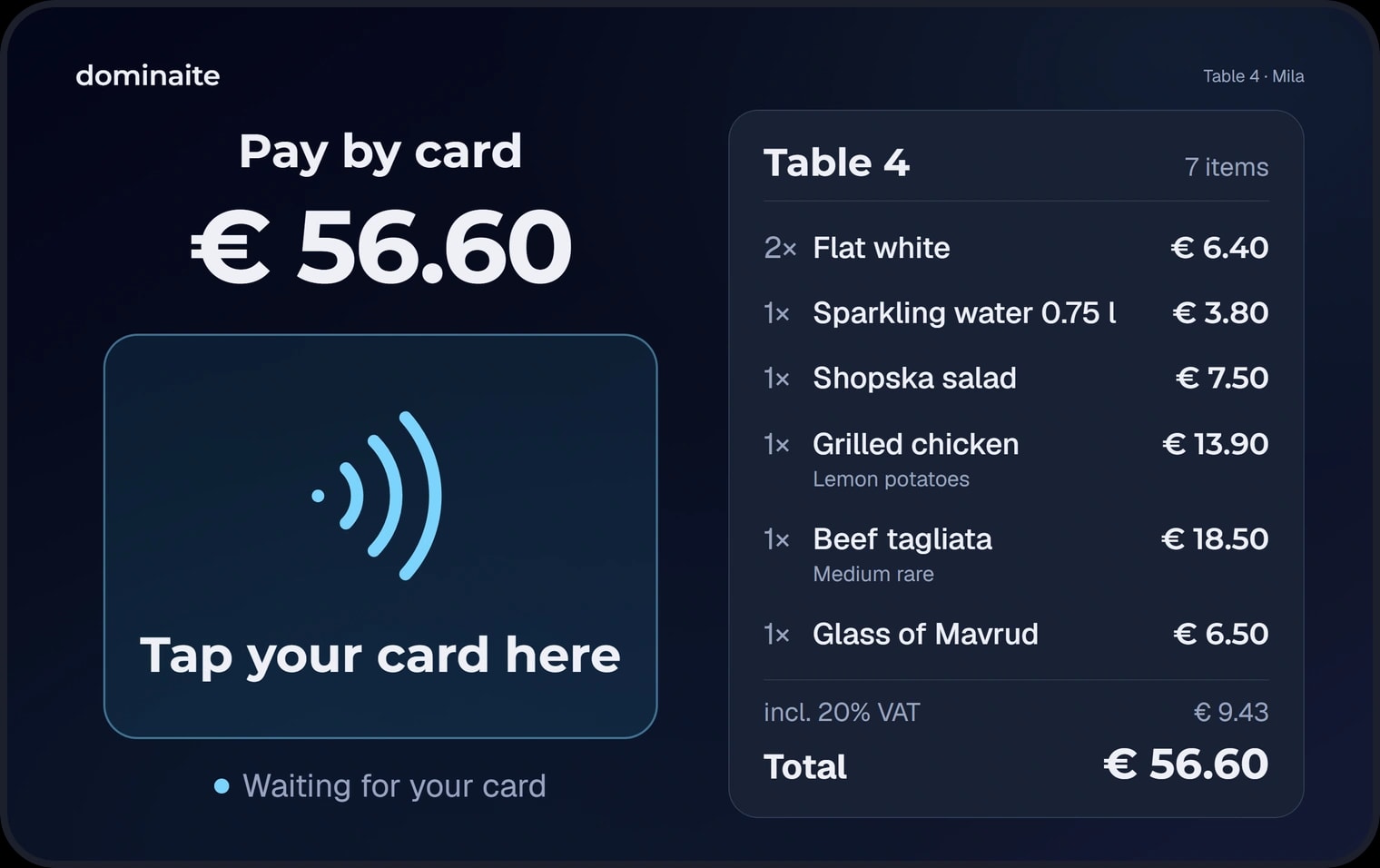
1The guest pays by card.
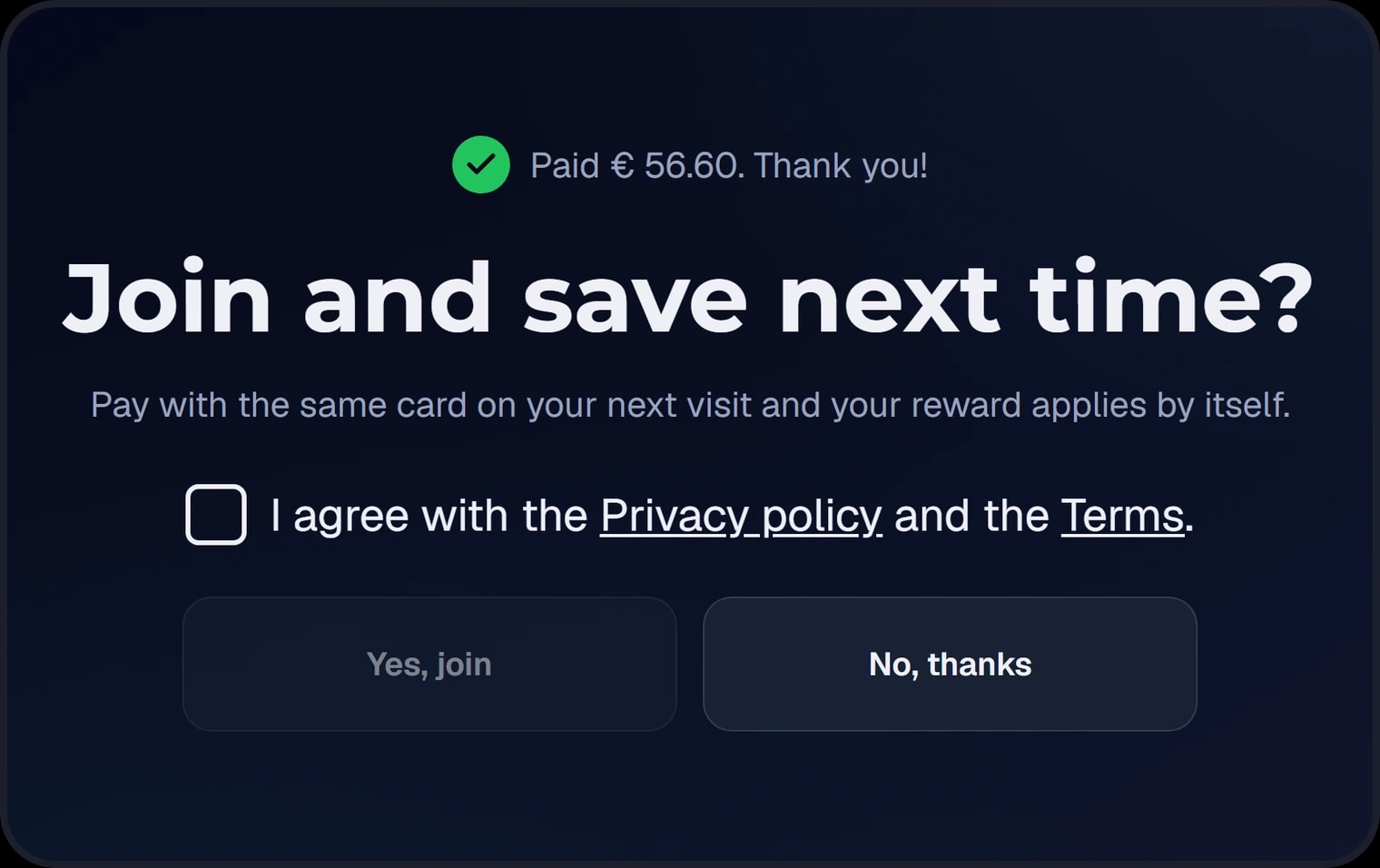
2The screen asks once if they'd like to join.
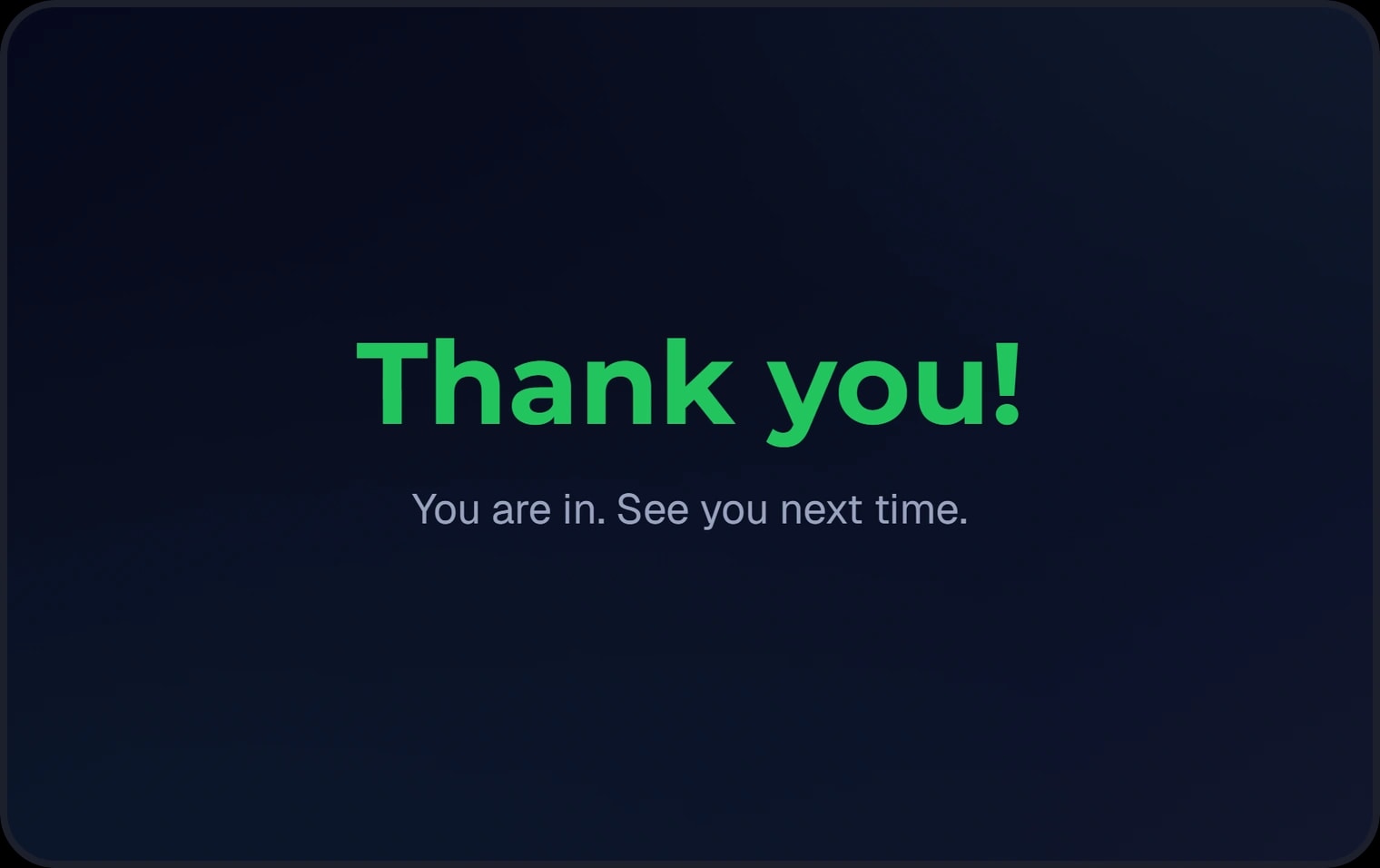
3They tick the box, tap yes and they're in.
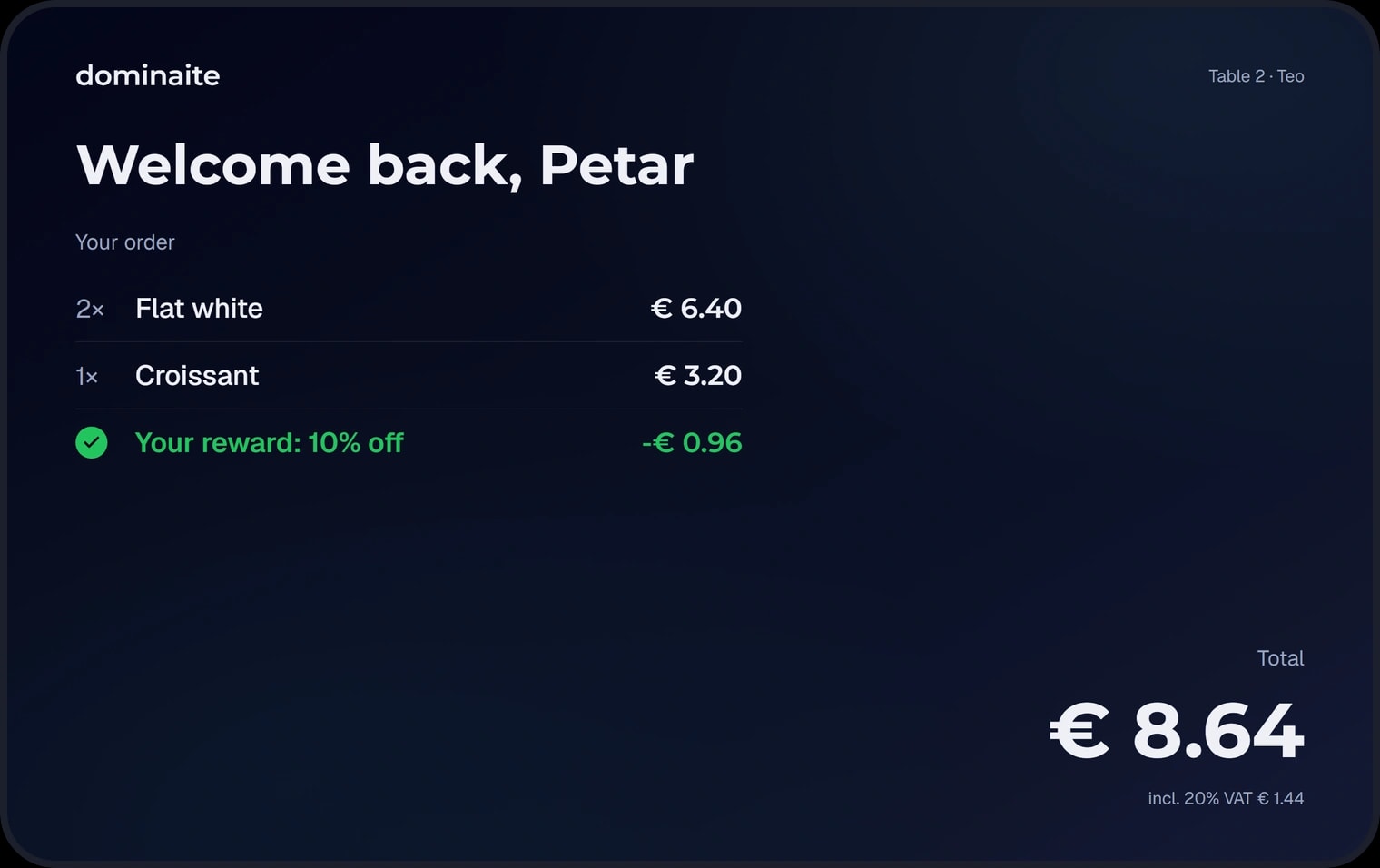
4On their next visit, the reward is applied automatically when they pay with the same card.
Know your regulars by more than a face.
See who returns, how often and what they usually order.
Comes with Full House and shows only guests who have joined.

The price is the price.
Choose your system first, then how you pay for card payments.
1 Choose your system.
Sip
Take orders and get paid.
For cafés, bars, counter service and food trucks.
- Menu with extras and options
- Bar tabs, open bills and bill splitting
- Card payments on our card terminal
- Tips credited to each member of staff
- Receipts, day close and sales reports
- Staff PINs and offline mode on every device
Full House
Everything in Sip, plus the floor and the kitchen.
For sit-down restaurants, places with a kitchen and groups with several locations.
- Everything in Sip, plus:
- Floor plan, tables and the waiter app
- Kitchen screen with courses sent in order
- Guest records and loyalty
- Stock that updates with every sale
- Selling by weight from the scales
- Cash drawer, with cash paid in and out
- One menu across several locations
2 Choose how you pay for card payments.
These prices apply to Bulgaria. See the rates in full
PayAsYouGo
The standard plan.
Pro
+ €14.90 a month
Pro adds no features, only lower rates.
Each month you pay for your system, plus Pro's monthly fee if you choose Pro, and there is a fee on each card payment.
With Full House and Pro you pay €163.90 a month, then 0.79% per card payment.
There are no add-ons and no software fees per device, so the price is the price.
What happens after you get in touch.
- 1We call you.
- 2We agree what your place needs.
- 3We set up the hardware.
- 4We train your team.
Questions
What do I pay each month?
Sip is €79 a month and Full House is €149. Pro adds a monthly fee, PayAsYouGo does not, and each card payment carries a fee.
What is the difference between Sip and Full House?
Sip takes orders and gets you paid. Full House adds the floor plan, the waiter app, the kitchen screen, loyalty and more.
Does a second till or another device cost more?
The software costs the same however many devices you run, and there are no add-ons. The hardware itself is priced separately, and if Pro's monthly fee is per card terminal in your country, the Pro plan in the price section says so.
Can the guest pay on the waiter's phone?
No, the guest pays and chooses the tip on the card terminal at the table, or on the customer screen at the counter.
How does loyalty recognise a guest?
It recognises the card they pay with, once the guest has joined on the customer screen by ticking a box to agree to the privacy policy and the terms. Your business never sees card numbers.
What if the internet goes down?
The till keeps taking orders and catches up when you are back online.
Can I leave?
Yes, you can leave at any time.
Put your floor, your kitchen and your till on one system.
Get Liquid POSLet's talk about your business.
Tell us a little about your business. We'll discuss availability, pricing and what setup would involve.
What happens next
- Tell us about your business
Share your details so we can check availability.
- Explore your options
Discuss the products and costs that fit your business.
- Plan your setup
Talk through what getting started would involve.