Invoicing
Anyone can send an invoice. Ours get paid.
Create a compliant invoice, send it with a pay-now button if you take online payments, and let dominaite send the reminders. In your country's rules, in your language.
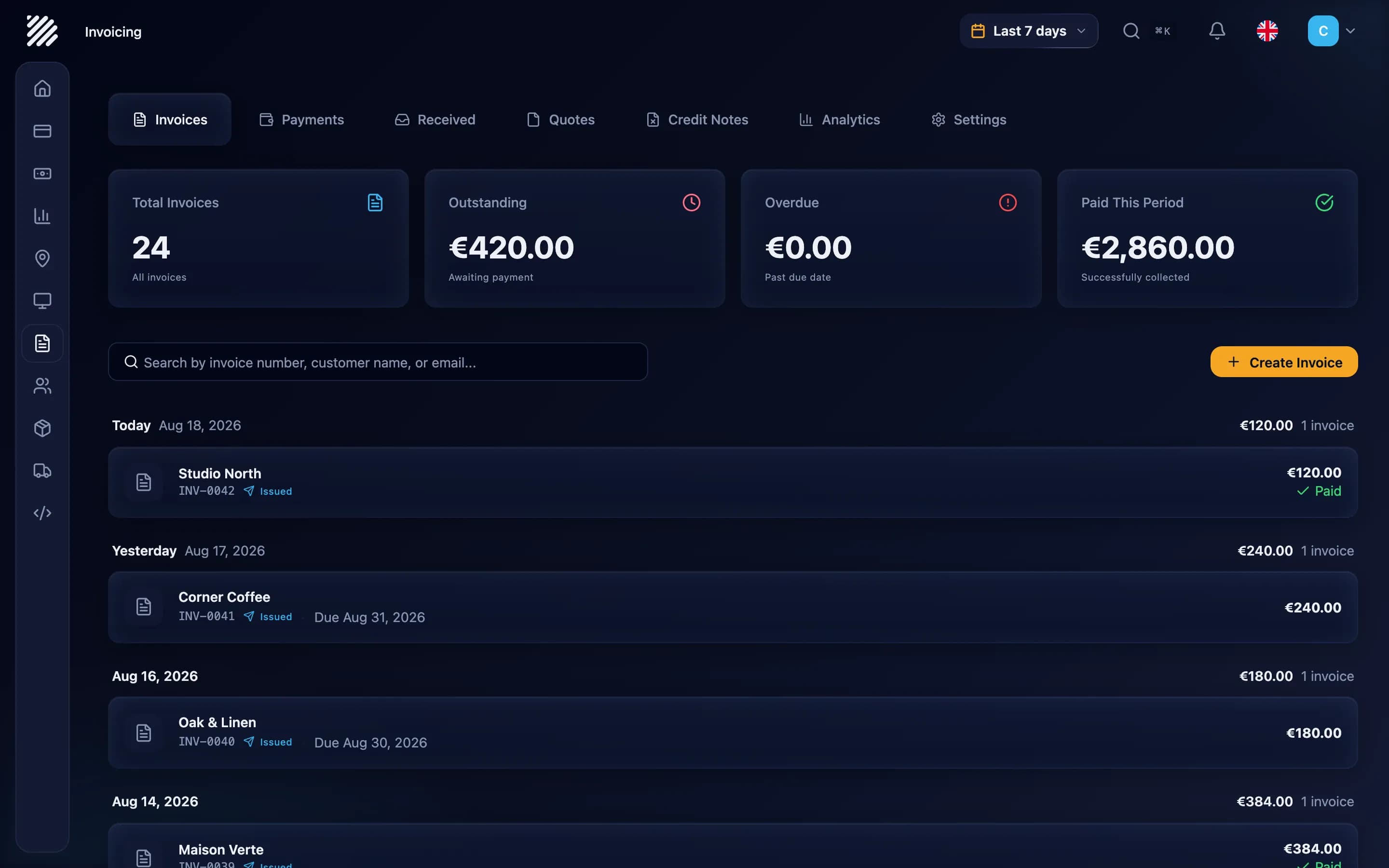
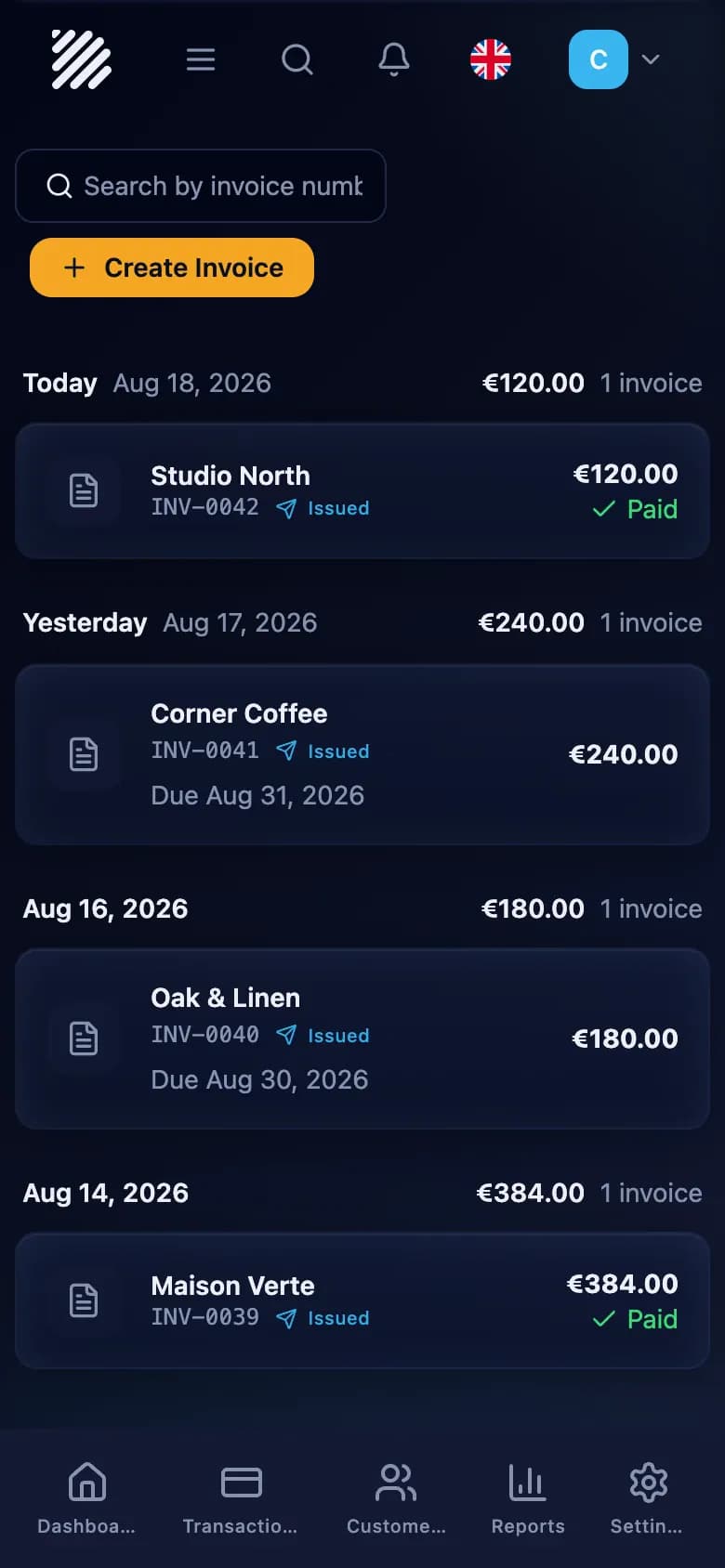
See it work in 30 seconds.
Recorded in the app as it is today. A real invoice, written, sent, paid and registered.
An invoice with a pay button gets paid faster.
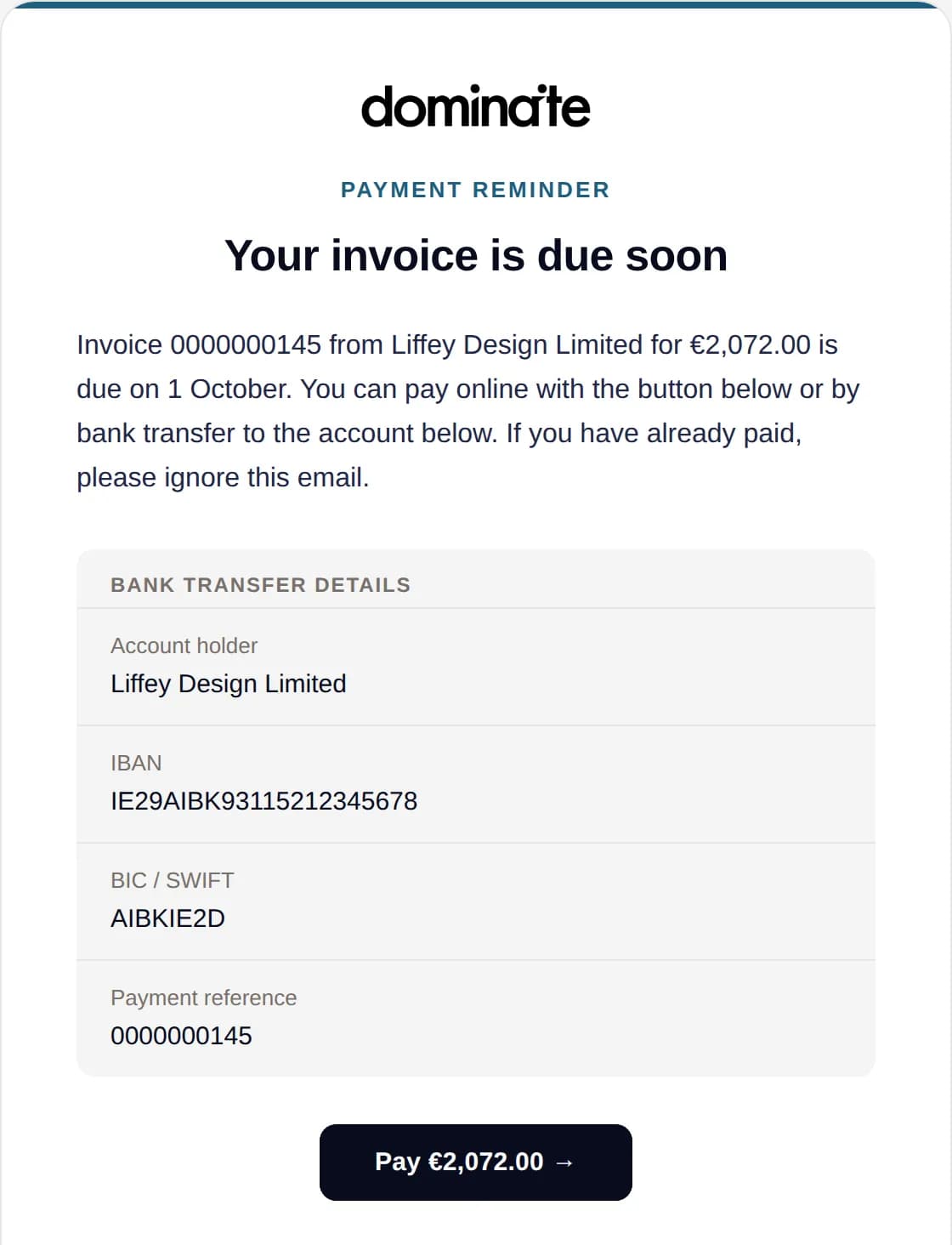
Sending the invoice is only half the job. We're the people who move the money, so dominaite keeps going until the money lands.
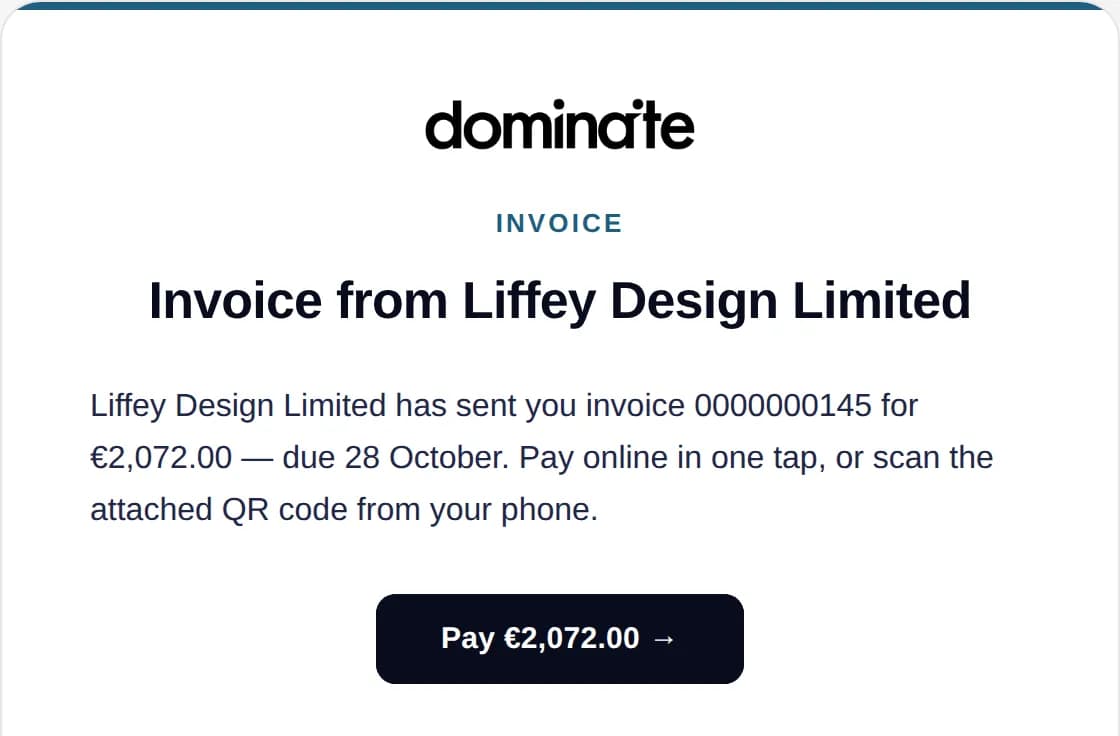
No "did you get my invoice". No matching bank lines on a Sunday. The invoice and the money are the same object here.
Built for your country's rules. Without you thinking about it.
Every country has its own formats, its own systems and its own deadlines. We follow them so you never have to read a tax bulletin again.
One platform, each country's own rules.
VAT number
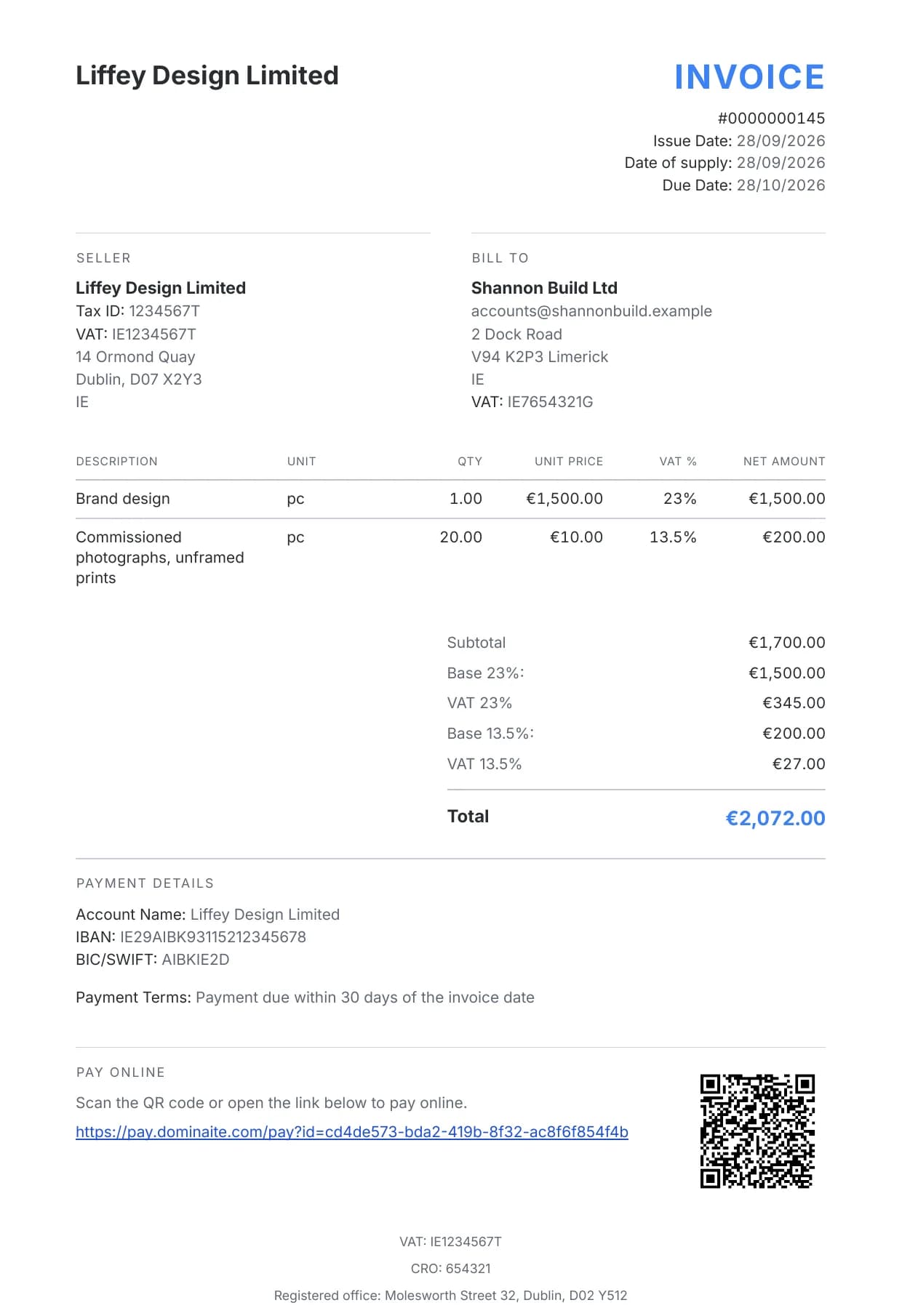
Yours and your customer's, on every invoice.
Running numbering
One series, never a repeat.
VAT per rate
23% and 13.5% on the right lines, totalled per rate.
E-invoice
Sent as an e-invoice where your customer takes one.
When Ireland changes its invoice rules, we change dominaite. Your next invoice already follows them, with nothing for you to install.
Where each country stands.
- BulgariaEuro-ready, no mandate
- HungaryNAV, connected
- AustriaPeppol, ready
- GermanyXRechnung, ready
- FrancePeppol UBL
- ItalyGetting ready
- IrelandPeppol, ready
- NetherlandsPeppol, ready
- SpainGetting ready
- United KingdomNo mandate yet
General information, not tax advice. Confirm the specifics with your accountant. · Last reviewed 19 July 2026
The everyday stuff is covered too.
Writing invoices
- Saved customers
Start typing a name. The address and VAT number come with it.
- Your products
Pick from your product list instead of typing prices again.
- The right VAT rates
Your country's rates and exemption reasons are already in. You pick one per line.
- Your logo and colour
Your invoices look like your business.
Billing
- Quotes and proformas
Make a quote or a proforma and download it as a PDF before you invoice.
- Credit notes
Refund or correct an invoice with a credit note.
- Part payments
Record what came in. The invoice shows what's still owed.
- Other currencies
Bill in your customer's currency. The VAT is also shown in yours.
- Recurring invoicesComing
Monthly retainers and subscriptions, sent automatically.
Your records
- Numbering handled
One running series for invoices and credit notes, no number used twice.
- Fixed once issued
An issued invoice can't be edited. Changes go on a credit note.
- Export any time
Your invoices as a spreadsheet, and any document as a PDF.
- Access for your accountantComing
A read-only login of their own.
- Monthly package for your accountantComing
Invoices, credit notes and payments, sent on the 1st of every month.
One invoice. Two ways to get it paid.
The usual way
- YouFill in a template and save it as a PDF
- YouEmail it and wait
- YouCheck the bank every few days
- YouWrite the awkward reminder
- YouFind the payment and mark the invoice paid
Five jobs for you.
With
- YouIssue the invoice
- Emails it with the PDF and a pay button
- CustomerPays by card from the email
- Registers the payment on the invoice
- Sends a reminder if it's late
One job for you.
Questions, answered.
The questions people ask us most. Still stuck? Write to us and a real person gets back to you: hey@dominaite.com
Let's talk about your business.
Tell us a little about your business. We'll discuss availability, pricing and what setup would involve.
What happens next
- Tell us about your business
Share your details so we can check availability.
- Explore your options
Discuss the products and costs that fit your business.
- Plan your setup
Talk through what getting started would involve.